


Get to Know Me
I am Amirhossein Jalalian, a Network and IT Infrastructure Specialist with extensive experience in designing, managing, and optimizing enterprise systems. My goal is to provide reliable, secure, and scalable solutions that help organizations operate more efficiently while reducing risks.

Amirhossein Jalalian
IT Infrastructure Specialist
Core Values
Integrity
Honest and transparent in all professional interactions
Excellence
Committed to delivering the highest quality solutions
Collaboration
Strong believer in teamwork and collective success
Innovation
Continuously learning and adapting to new technologies
About Me 👨💻
I am a dedicated Network and IT Infrastructure Specialist with extensive experience in designing, managing, and optimizing enterprise systems. My mission is to deliver reliable, secure, and scalable solutions that enhance organizational efficiency while minimizing risks.
I have extensive experience in Windows Server, Cisco and MikroTik technologies, virtualization, and other IT infrastructure solutions. My approach is always results-driven, carrying out each project with accountability, precision, and strong teamwork.
My Philosophy
I value honesty, discipline, patience, and accountability as core principles. I believe that respect for the profession and adherence to fundamental values form the foundation for achieving long-term and sustainable success in the field of Information Technology.
"Success is born of sustained effort, continuous learning, and faith in the journey."
Satisfied customers
Successful projects
Support hours provided
Expert team
Skills
My core technical and professional skills in computer networks and IT infrastructure.
Resume
My academic background and professional work experience in computer networks and IT infrastructure.
Education
Bachelor's in Computer Networks & Internet
2020 - 2022
University of Applied Science and Technology (Iran Informatics Branch)
Associate Degree in Software Engineering
2016 - 2018
Professional Experience
DevOps & Network Infrastructure Specialist
Sep 2018 – Present
- Designed and implemented virtualization infrastructure for all enterprise servers
- Deployed SQL Server cluster with High Availability and Redgate monitoring
- Implemented core Windows infrastructure services: Active Directory, DNS, NTP, DFS, WDS, WSUS
- Deployed Nginx Proxy Manager for advanced HTTP/HTTPS traffic management and load balancing
- Redesigned LAN structure with segmented VLANs and removed direct static IPs
- Configured advanced Cisco switching (STP, VTP, VLAN, Port-Channel, Port Security)
- Implemented secure Site-to-Site VPN tunnels between Tehran offices
- Optimized Internet performance with MikroTik firewall and security rules
- Installed Kaspersky Endpoint Security with centralized management console
- Upgraded Jira from version 6 to 8 with full documentation
- Upgraded HQ infrastructure with fiber backbone and improved datacenter
- Integrated CCTV surveillance system with stable infrastructure
- Enhanced VoIP infrastructure for reliable internal telephony
- Implemented Zabbix with Telegram API alerts
- Integrated Zabbix with Grafana for real-time dashboards
- Deployed Cacti for graphical network traffic monitoring
- Implemented NAS and automated backups with Veeam Backup
- Created technical diagrams, documentation, and asset inventory
- Configured CDN for improved website performance and security
- Configured ArvanCloud with CDN, caching, and access security policies
- Deployed MongoDB for internal NoSQL services
- Implemented ABS NG for user behavior analytics and reporting
- Configured Xray for traffic control, tunneling, and bypassing restrictions
- Deployed Docker for isolated environments and faster service delivery
- Configured Apache Maven for Java project build automation
- Installed n8n for workflow automation
- Developed Bash scripts for automation and server management
- Migrated Windows web servers to Linux for performance and cost optimization
- Configured load balancing across 5 Internet connections for stability
Network Administrator
Jul 2017 – Aug 2018
University of Applied Science & Technology – Culture & Arts Unit 48
- Installed, configured, and maintained network equipment (switches, routers, servers)
- Performed passive networking tasks including cabling, termination, and rack installation
- Troubleshot LAN/WAN/Internet connectivity issues
- Installed software and hardware for end-users
- Implemented CCTV surveillance systems
- Applied security policies and kept systems updated
Services
Professional IT services including network design, system administration, infrastructure management, and technical consulting.
Network Design & Implementation
Complete network infrastructure design, implementation, and optimization using Cisco and MikroTik equipment for enterprise environments.
System Administration
Windows Server management, Active Directory, DNS, and Linux server administration for optimal system performance and security.
DevOps & Automation
Docker containerization, CI/CD pipeline setup, and automation scripts to streamline deployment and infrastructure management.
Monitoring & Security
Comprehensive monitoring solutions with Zabbix, security implementation, and backup strategies to ensure system reliability.
Virtualization Solutions
VMware vSphere deployment, KVM virtualization, and cloud migration services for scalable and efficient infrastructure.
Technical Consulting
Expert consultation on IT infrastructure planning, technology selection, and implementation strategies for business growth.
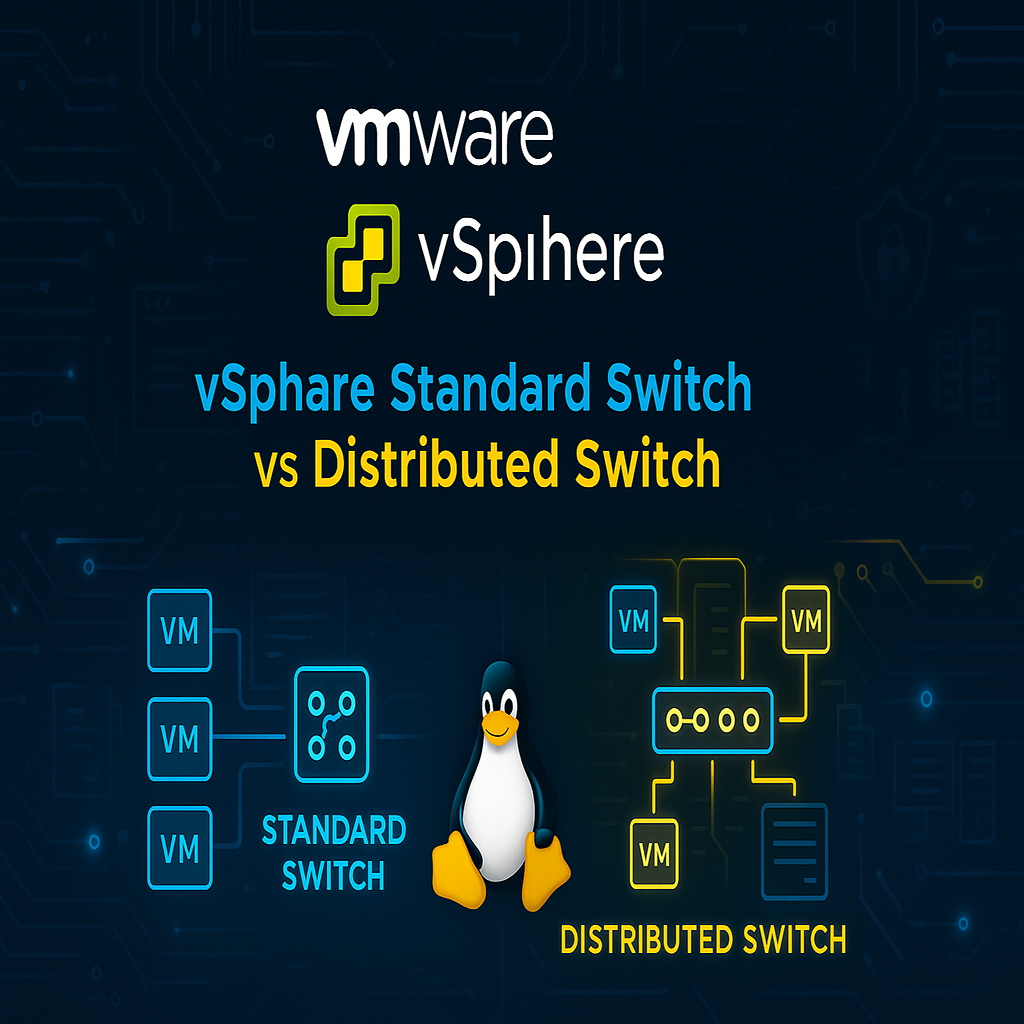
Articles
A collection of my technical articles and insights on network infrastructure, system administration, and DevOps solutions.
- All Articles
- Microsoft
- Linux Articles
- MikroTik
- Vmware
- Other Articles






Testimonials
What clients and colleagues say about my work and professional approach.
Amir's expertise in network infrastructure and system administration has been invaluable to our organization. His attention to detail and problem-solving skills are exceptional.

IT Director
Newsha Drinks Co.
Working with Amir on our virtualization project was a great experience. His technical knowledge and ability to explain complex concepts clearly made the implementation smooth and successful.

Project Manager
Technology Solutions
Amir's monitoring and security implementations have significantly improved our system reliability. His proactive approach to IT infrastructure management is commendable.

System Administrator
Enterprise Client
The network optimization and load balancing solutions implemented by Amir have greatly enhanced our internet connectivity and overall system performance.

Network Engineer
Infrastructure Team
Amir's expertise in DevOps and automation has streamlined our deployment processes. His technical documentation and knowledge transfer are excellent.

DevOps Lead
Development Team
Contact
Get in touch for professional IT services, network solutions, or technical consulting.
Let's Work Together 🤝
Ready to discuss your IT infrastructure needs? I'm here to help you achieve your goals with professional solutions.
My Location
Tehran, Iran
Send a Message 💬
Fill out the form below and I'll get back to you within 24 hours